
Stop wondering whether your money will last until the next paycheck.
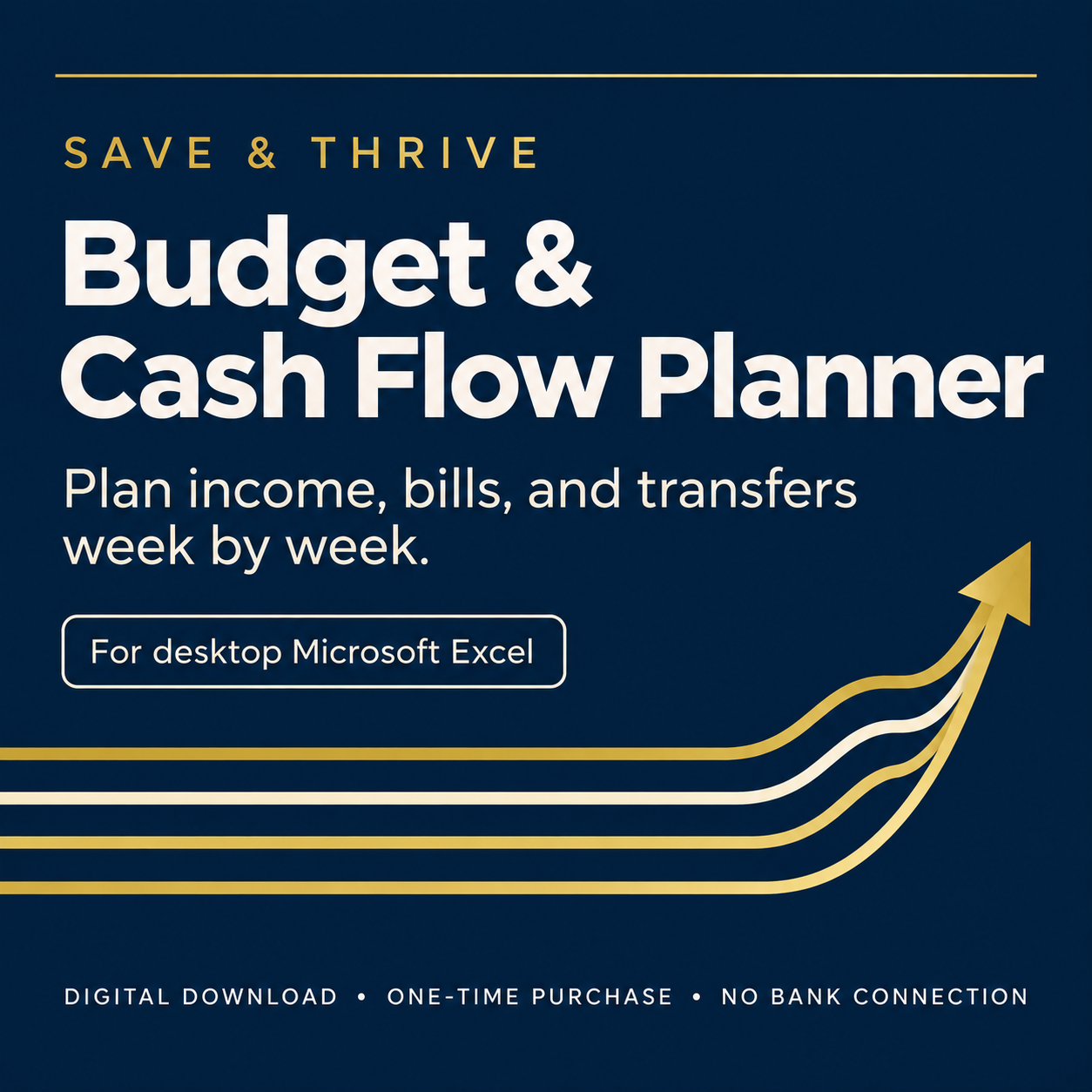
The Save & Thrive Budget & Cash Flow Planner turns your income, bills, and transfers into a week-by-week forecast—so you can see what’s coming before it happens.
Launch price: $29 until October 31, 2026!
Regular price: $49
A monthly budget tells you what you expect to earn and spend. But it doesn’t always tell you whether enough money will be available when each bill is actually due.
The Save & Thrive Budget & Cash Flow Planner turns your income, bills, and transfers into a week-by-week forecast—so you can see what’s coming before it happens.
No bank connections. No complicated software. No subscription.
See everything the Planner can do! ↓
A budget tells you what you planned. A cash-flow forecast shows you when it happens.
You may have enough income for the month and still run short during a particular week.
That’s because your paycheck, mortgage, utilities, credit cards, transfers, and other expenses don’t all happen on the same day.
The Planner organizes those transactions by their scheduled dates and groups them into week-ending Friday columns—giving you a clearer view of the money expected to come in, the money expected to go out, and your projected cash throughout the year.
See Your Year Ahead in Six Easy Steps
Click Image to Enlarge.
What the Planner Helps You Do
• Update a recurring amount when the change is permanent.
• Adjust one occurrence without changing later transactions.
• Move a single payment to a different date.
• Stop forecasting income, a bill, or a transfer after its End Date.
• See how paying off a car loan or credit card affects future cash flow.
• Keep your information private without connecting a bank account.
• Build a complete year-long cash-flow forecast.
• See income, bills, and transfers by week.
• Track projected cash across your included accounts.
• Identify weeks when cash may fall below your preferred minimum.
• Plan around irregular paydays and due dates.
• See the difference between money coming in and money going out.
See Your Year Ahead in Four Easy Steps
Click Image to Enlarge
Need to Make a Change?
Plans change. The Changes tab lets you adjust your forecast without rebuilding it.
Use the Changes tab when one income, bill, or transfer needs a different amount, a different date, or both. Adjust the amount or move the transaction to a different date without changing the occurrences that follow.
When a transaction ends: Enter an optional End Date to stop forecasting income, a bill, or a recurring transfer after that date. This makes it easy to see how paying off a car loan or credit card could affect future cash flow.
When a change is permanent: Update the recurring transaction directly on the Income, Bills, or Transfers tab.
Click Image to Enlarge
Everything You Need to Get Started
Your Purchase Includes:
Save & Thrive Budget & Cash Flow Planner for Microsoft Excel
Quick Start Guide
Personal Use License
One downloadable ZIP containing all three files
Important compatibility information
The Planner is designed for desktop Microsoft Excel on Windows or Mac. It is NOT intended for Google Sheets, Apple Numbers, Excel Mobile, or automatic bank syncing. The current version uses U.S. currency and date formatting.
When you first open the Planner: Click Enable Editing at the top of Excel before entering your information. The Quick Start Guide walks you through the setup.
A monthly budget tells you what you expect to earn and spend. But it doesn’t always tell you whether enough money will be available when each bill is actually due.
The Save & Thrive Budget & Cash Flow Planner turns your income, bills, and transfers into a week-by-week forecast—so you can see what’s coming before it happens.
No bank connections. No complicated software. No subscription.
Is This Planner Right for You?
The Planner may be right for you if:
You want to see your income, bills, transfers, and projected cash week by week.
You prefer to plan ahead instead of reacting after money has already left your account.
You are comfortable entering and updating your transactions manually.
You want to keep your financial information private without connecting bank accounts.
You use desktop Microsoft Excel on Windows or Mac.
The Planner may NOT be right for you if:
You want transactions imported automatically from your bank.
You want a mobile budgeting app or subscription service.
You primarily use Google Sheets, Apple Numbers, or Excel Mobile.
You need currency or date formatting designed for a country outside the United States.
You do not want to enter or maintain your financial information manually.
Frequently Asked Questions
-
You need desktop Microsoft Excel on a Windows or Mac computer. The Planner is not intended for Google Sheets, Apple Numbers, Excel Mobile, or other spreadsheet programs.
-
No. You enter and update your information manually, so your financial details stay in the standalone Excel file you control. The Planner does not connect to banks or automatically import transactions.
-
No. The Planner is a one-time purchase with no recurring subscription fee. After checkout, you will receive the downloadable customer package to save on your computer.
-
Yes. You can update a recurring transaction when the change is permanent, or use the Changes tab to adjust the amount or date of one occurrence without changing the occurrences that follow.
-
Enter an optional End Date for that transaction. The Planner will stop including it in the forecast after that date, helping you see how changes such as paying off a car loan or credit card may affect future cash flow.
-
The current version uses U.S. currency and date formatting. International currency options may be considered for a future version.
-
Your purchase includes a Personal Use License for use by you and your household. You may not redistribute, resell, publish, or share copies of the Planner or its supporting files.
-
After your purchase is completed, you will receive a secure download link for the customer-package ZIP. Download the ZIP and save it to your computer; it contains the Planner, Quick Start Guide, and Personal Use License.
-
Save the ZIP file to your computer. On Windows, right-click it and select Extract All. On a Mac, double-click the ZIP file. Open the extracted folder to access the Planner, Quick Start Guide, and Personal Use License. Keep the original ZIP as a backup.
Plan Ahead With a Week-by-Week View of Your Money
Turn your income, bills, and transfers into a clear week-by-week view of your projected cash.
Launch price: $29 until 10/31/26
Regular price: $49
Digital product notice: This is a downloadable digital product. No physical item will be shipped. You are responsible for confirming that you have compatible desktop Microsoft Excel software before purchasing.
Educational disclaimer: The Planner and supporting materials are provided for educational and informational purposes only and are not financial advice. They do not guarantee any particular financial outcome. Consult an appropriate qualified professional for advice specific to your situation.
A monthly budget tells you what you expect to earn and spend. But it doesn’t always tell you whether enough money will be available when each bill is actually due.
The Save & Thrive Budget & Cash Flow Planner turns your income, bills, and transfers into a week-by-week forecast—so you can see what’s coming before it happens.
No bank connections. No complicated software. No subscription.